4-zone panel remote control (brightness)

4-zone panel remote control (brightness)

Regular price23,99 €
/

Color
  • Low stock - 2 items left
  • Inventory on the way

Get it
Order in

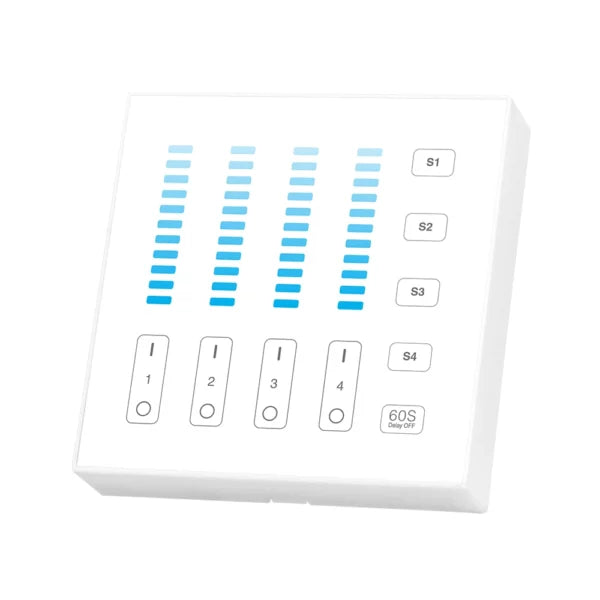
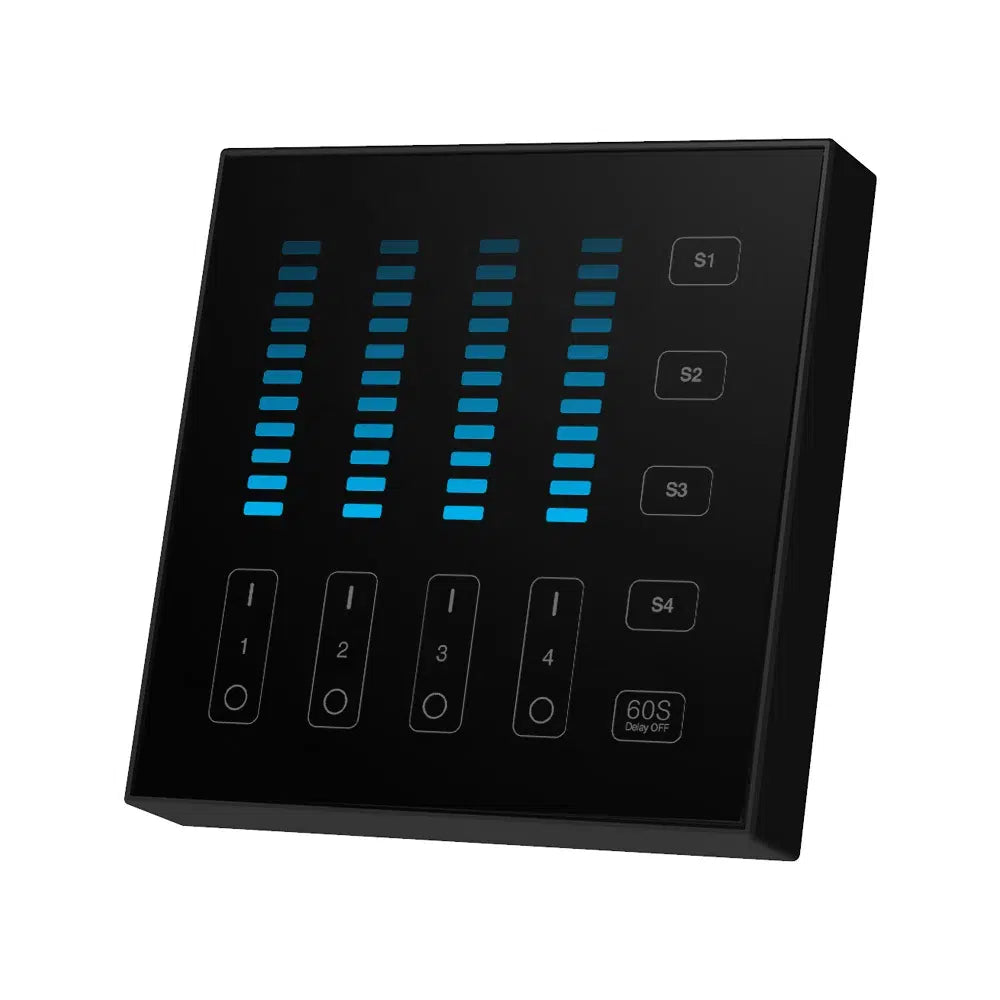
The 4-Zone B5 Remote Panel is the perfect solution for precise and convenient lighting control in your home. Designed to provide an efficient user experience, this panel allows you to dim the light continuously and without flickering. With the ability to save and activate up to 4 favorite brightness scenes, this device becomes an essential tool for any smart home. Using 2.4G RF wireless transmission technology, the panel is compatible with the MiBoxer/Mi-Light 2.4G series, offering hassle-free control up to a distance of 30 meters.

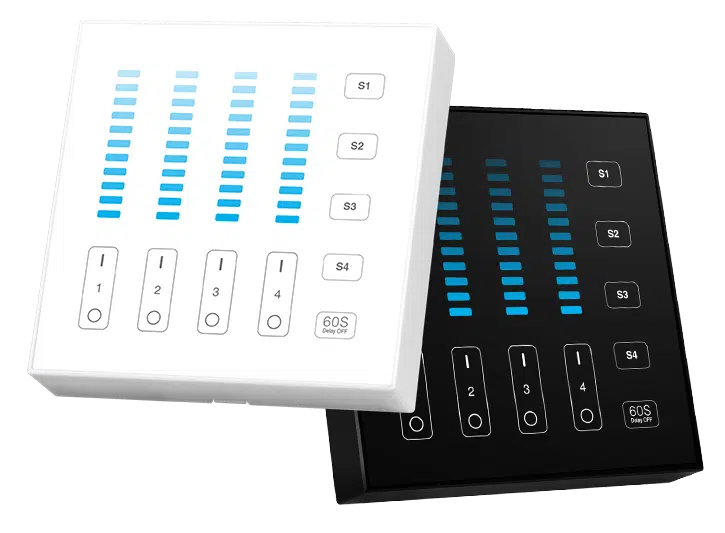
  • Portable Dimming: Allows you to adjust the brightness of 4 specific zones, making daily use easier.
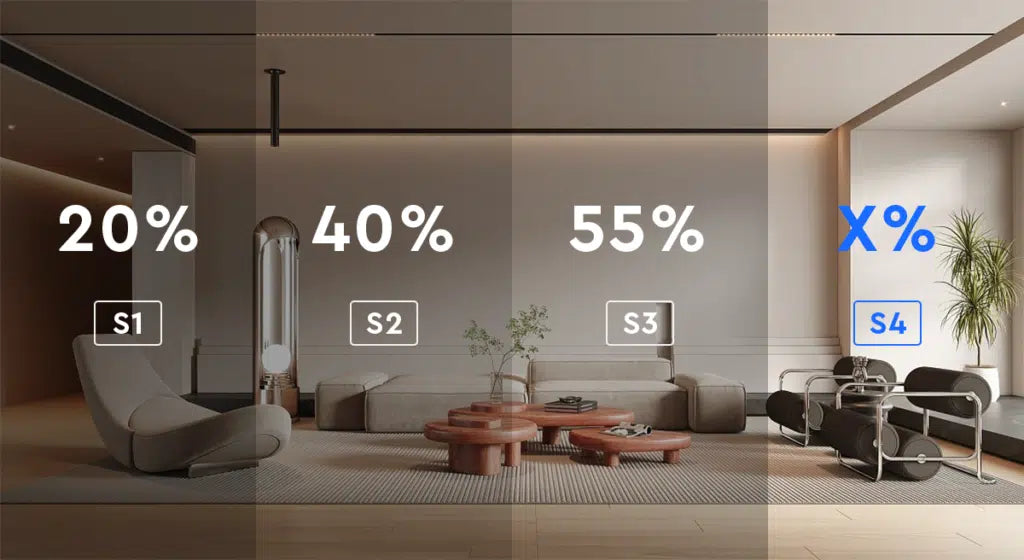
  • Save Scenes: Ability to save up to 4 favorite brightness settings, which can be easily activated with a single press.
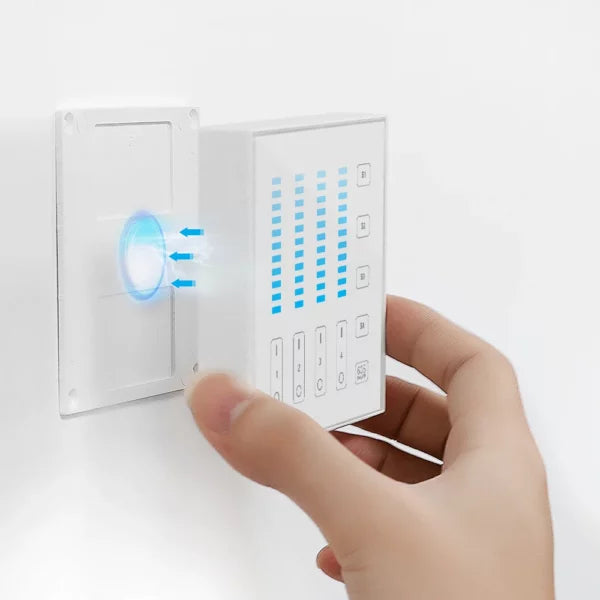
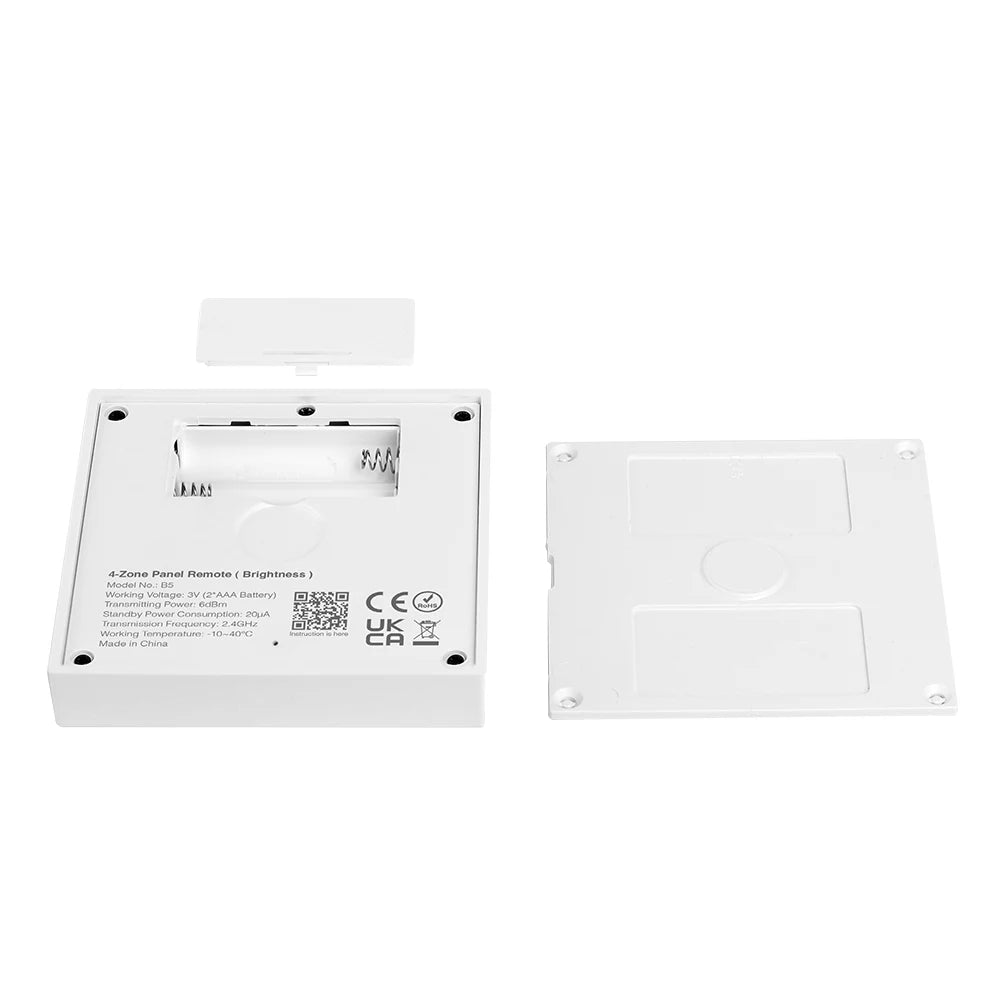
  • Magnetic Installation: Easy to install and place on any metal surface thanks to its magnetic back cover.
  • 2.4G RF Wireless Transmission Technology: Ensures efficient and uninterrupted control.
  • Compatibility: Compatible with the MiBoxer/Mi-Light 2.4G series, integrating perfectly with your current devices.
  • Control Distance: Lighting control at a distance of up to 30 meters, ideal for any home.

Note:  This remote requires a MiBoxer/Mi-Light dimmer controller.
Control remoto de panel de 4 zonas (brillo)

Control de brillo de 4 zonas, se pueden guardar 4 escenas.

Save your scenes

Save 4 favorite lights, activating the scene with a single press

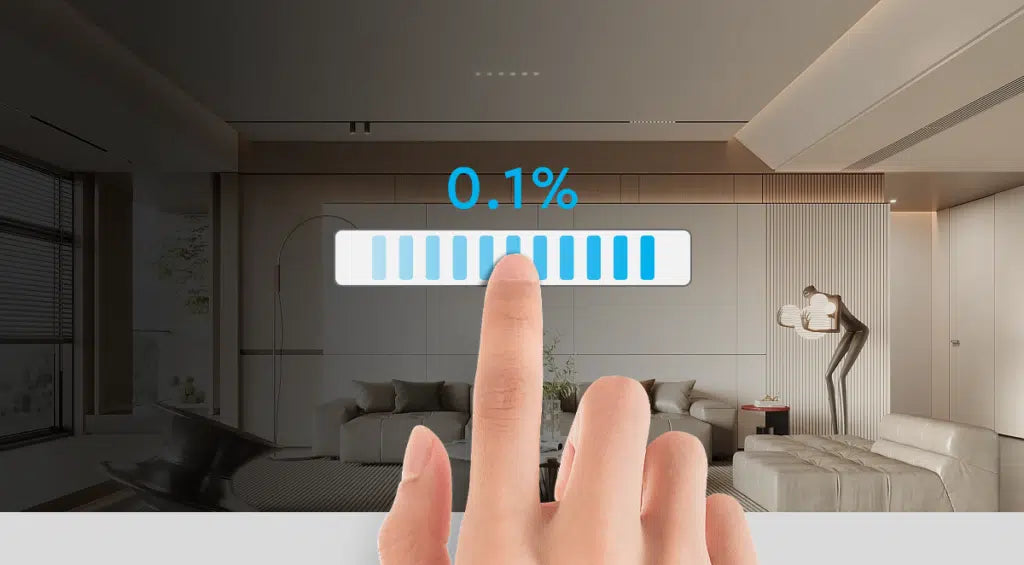
Continuous dimming brightness

Smooth flicker-free transition

Características
N º de Modelo B5 (blanco) B5-B (negro)
Tensión de trabajo 3V (AAA * 2 uds) no incluída
Consumo de energía en espera 20μA
RF 2,4 GHz
Distancia de control de radiofrecuencia 30m
Frecuencia de transmisión 2400-2483.5MHz
Método de modulación GFSK
Temperatura de trabajo -10~40℃

Frequently Asked Questions

In the box you will find the user manual and/or a QR code that will take you to the user manual.

Connect the gateway to a power outlet. Open the Tuya Smart app, select "Add device" and follow the instructions to connect the gateway to your 2.4GHz Wi-Fi network.

Make sure you are using a 2.4GHz network and not a 5GHz one. Verify that the Wi-Fi password is correct. Try restarting the gateway and the router.

Open the Tuya Smart app, select the gateway, and choose "Set Up". Select a zone and pair the device (You can only pair one device per zone). Follow the instructions to pair the RF device with the gateway.

Make sure the RF device is in pairing mode. Verify that you are near the gateway during pairing and that there is no interference.

It may be due to a weak Wi-Fi signal. Try moving the gateway closer to the router. Make sure there are not too many devices connected to the same network.

Make sure the gateway and RF devices are correctly paired. Check the gateway's internet connection. Restart the Tuya Smart app.

Yes, as long as the gateway is connected to the Internet, you can control the RF devices from anywhere using the Tuya Smart app.

In the Tuya Smart app, select "Automation" or "Scenes" and follow the instructions to create automations using the gateway and your RF devices.

Yes, in the Tuya Smart app, select "Profile" > "Home Management" > "Add Members" to share control with other users.

Refer to the user manual for specific instructions on how to restore the gateway to its factory settings.


Recently viewed